 |
|
|
COM-FSM News Entry
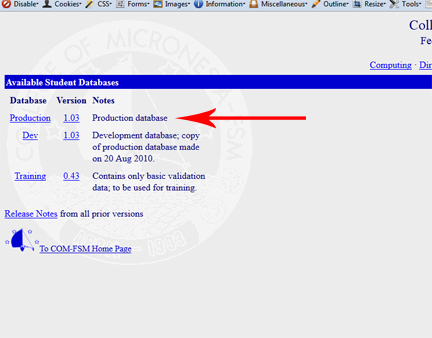
Table of contentsNo headers1. Launch a web browser (COM-FSM recommends Firefox for all its web services) and navigate to http://www.comfsm.fm/db. 2. Select 'Production' in the list of choices. 3. Log in with your COM-FSM email user name. Note that you will only need the user name and not the entire address. For example, just 'user' and not 'user@comfsm.fm'. 4. After authenticating and access has been granted, select 'Administration' then 'Campus News' from the left menu. 5. |